
Introduction
If you are trying to grow a website, there’s one tool you’ll keep hearing about again and again — Google Search Console. And honestly, it’s not hype. It’s actually one of those tools that quietly tells you what Google thinks about your site.
Not in a fancy way. Just raw data. What’s working, what’s not.
Let’s understand it in a simple, human way.
what is Google Search Console?
Google Search Console is basically a free tool from Google that shows how your website is performing in search results.
That’s it.
Nothing complicated.
It tells you things like:
- Which pages are showing on Google
- What keywords people are using to find you
- Whether Google can read your pages properly or not
- And sometimes… what’s going wrong (which is honestly very helpful)
Think of it like Google talking behind your back about your website. But in a useful way.
Why people even use it ?
A lot of beginners skip this tool. They focus only on content or backlinks. That’s fine… but they’re missing the actual feedback from Google.
Here’s why it matters:
- You see real search traffic, not guesses
- You find out which pages are invisible on Google
- You can fix issues before they hurt rankings
- You discover keyword opportunities you didn’t even think about
- And yeah… you understand what Google actually likes on your site
It’s like checking your exam paper after submission. A bit late, but still useful.
Setting it up
Alright, let’s go through setup. It’s not difficult, just a bit technical at the start.
1: Sign in
Go to Search Console and log in with your Google account.
2: Add your website
You’ll see two options:
- Domain
- URL Prefix
If you’re not sure, just pick URL Prefix. Most beginners do.
3: Verify ownership
Google just wants to confirm it’s your site. You can verify using:
- HTML file upload
- DNS record (a bit technical, but hosting panel helps)
- Google Analytics
- Or Google Tag Manager
Pick the easiest one available to you.
4: Submit sitemap
Now this is important.
- Go to “Sitemaps”
- Add your sitemap link (usually
yourdomain.com/sitemap.xml) - Click submit
Done. Google will slowly start understanding your site better.
Not instantly though. It takes a little time.
What you’ll actually see inside it
Once your data starts coming in, you’ll see a few main sections. Don’t get overwhelmed.
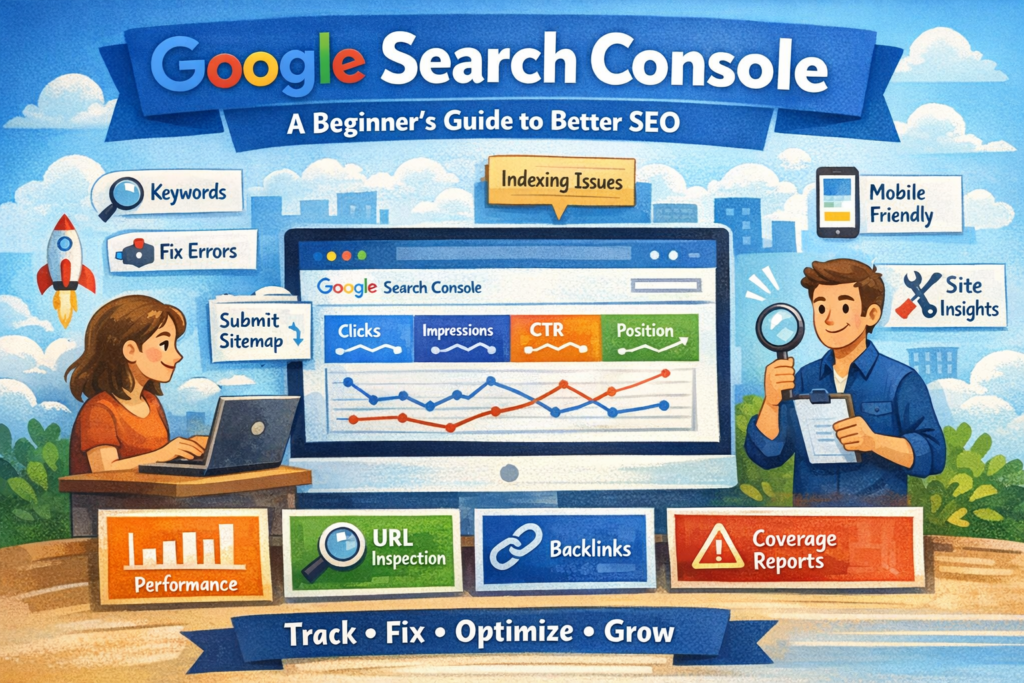
1. Performance section
This is the main one.
It shows:
- Clicks (how many people visited)
- Impressions (how many saw your site)
- CTR (how many clicked)
- Average position (your ranking)
Simple numbers, but very powerful.
2. URL Inspection tool
This one feels like a scanner.
You paste a URL, and it tells you:
- Is it indexed or not?
- Any problems?
- Can Google read it properly?
And if it’s not indexed, you can request indexing. Pretty handy.
3. Coverage report
This is where you see issues like:
- Pages not indexed
- Errors
- Warnings
Sometimes it looks scary. But most of it is fixable.
4. Links report
Shows:
- Who is linking to you (external links)
- How your pages are connected internally
Not perfect data, but useful.
Quick table: What matters most
| Metric | What it means (simple version) | Why you should care |
|---|---|---|
| Clicks | People visiting your site | Actual traffic |
| Impressions | Your site showing on Google | Visibility |
| CTR | People clicking your link | How attractive your result is |
| Position | Ranking in search | SEO performance |
Nothing too fancy. Just basic signals.
Common problems you’ll notice
Most websites show these issues at some point.
Pages not indexed
Google hasn’t added your page yet. Happens a lot.
Mobile issues
Text too small, buttons too close… small UI things.
Crawl errors
Google tried to visit your page but couldn’t.
Slow pages
Your site might load slowly (this one hurts rankings a bit).
Nothing unusual. Almost every site has something like this.
How to actually use it for SEO growth
Now the real part.
Not just checking data… but using it.
Find easy keyword wins
Go to performance report and look for:
- High impressions
- Low clicks
These are golden. Just improve those pages a bit.
Fix CTR issues
Sometimes your page ranks but nobody clicks it.
Try:
- Better title
- More clear description
- Slight emotional hook (nothing overdone)
Small changes can help.
Update old content
Look at pages ranking on page 2 or bottom of page 1.
Update them. Add missing info. Improve structure.
It works more than people expect.
Fix broken pages
If something is showing 404 or errors, fix it or redirect it.
Google doesn’t like dead pages.
Google Search Console vs Google Analytics
People mix these two a lot.
| Tool | What it does |
|---|---|
| Search Console | Shows how you appear on Google |
| Analytics | Shows what users do on your site |
So one is before click… one is after click.
Both together = proper SEO understanding.
A few habits that actually help
Not rules, just good habits:
- Check it once a week (not daily, no need honestly)
- Fix errors slowly, don’t rush
- Watch keywords that are growing
- Keep sitemap updated
- Don’t ignore mobile issues
Small consistent effort matters more than anything else.
FAQs
Is Google Search Console free?
Yes, completely free. No hidden cost.
Do I need it for a new website?
Yes. Even more important for new sites.
How long does data take to show?
Usually 1–3 days. Sometimes a bit more.
Can it improve rankings directly?
Not directly. But it helps you fix things that do affect rankings.
Is it hard to use?
Not really. It looks technical at first, but it becomes normal quickly.
Conclusion
To be honest, most people underestimate Google Search Console at the start. It doesn’t look exciting.
But once you start using it properly… it becomes a daily SEO habit.
It tells you what’s wrong, what’s working, and what Google actually sees on your website.
And that’s powerful.
Not fancy. Just useful.
If you’re serious about SEO growth, this tool isn’t optional. It’s kind of the base layer of everything.