

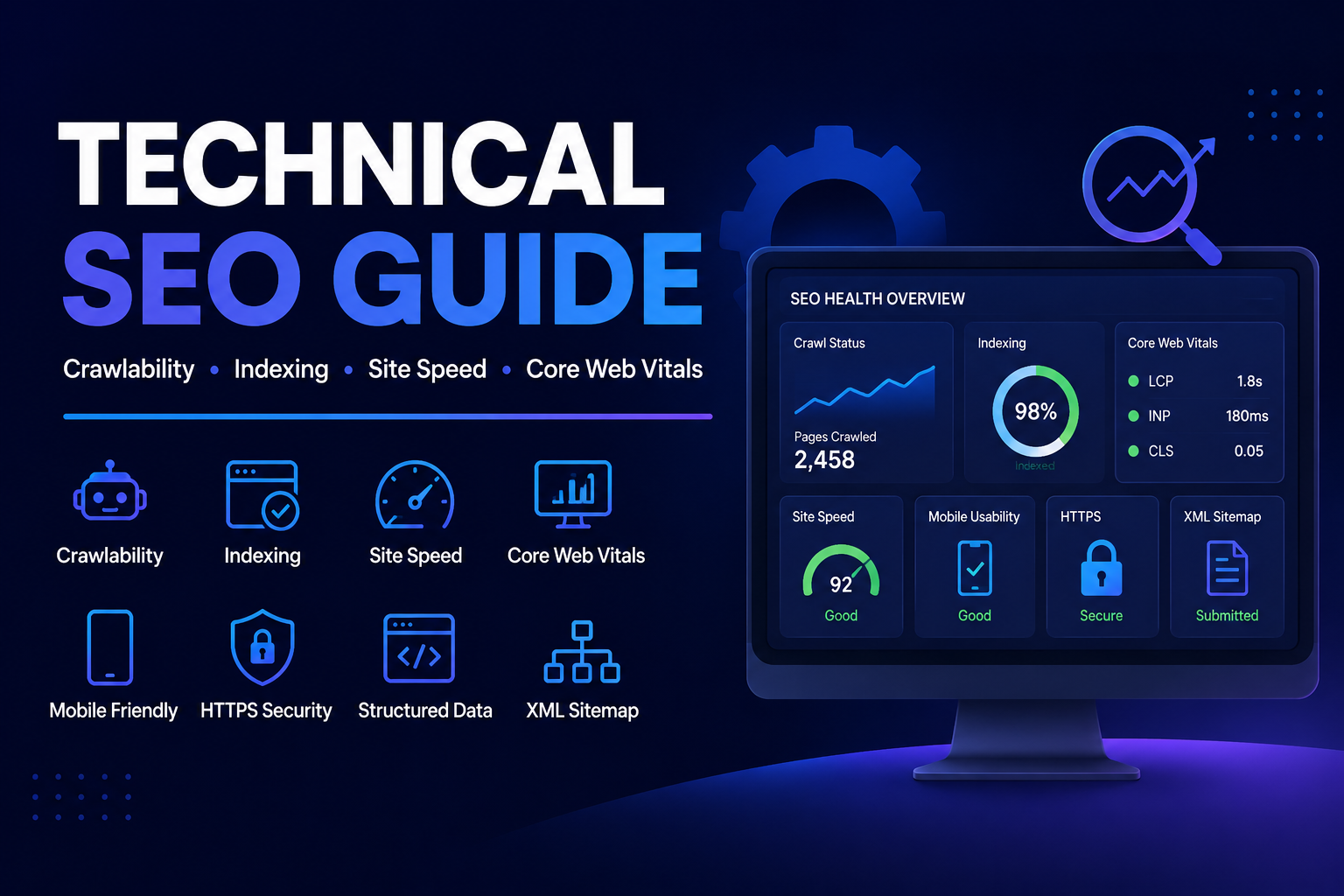
Search engines are getting smarter every day. But even the best content can stay invisible if your website has technical problems. That’s where technical SEO comes in.
This guide walks you through what technical SEO is, why it matters, and the exact steps to improve it — even if you’re not a developer.
What Is Technical SEO?
Technical SEO is the process of optimizing your website’s infrastructure so search engines can crawl, index, and understand your pages correctly.
Think of it this way:
- Content SEO = what you say
- On-page SEO = how you say it
- Technical SEO = whether search engines can even find it
Without a solid technical foundation, all your content and link-building efforts can go to waste.
Why Technical SEO Matters
| Without Technical SEO | With Technical SEO |
|---|---|
| Pages not indexed by Google | All important pages found and indexed |
| Slow load times hurt rankings | Fast pages improve user experience |
| Duplicate content confuses crawlers | Clean signals sent to search engines |
| Broken links damage authority | Healthy site structure passes link equity |
| Mobile issues reduce visibility | Mobile-first indexing works in your favor |
Core Areas of Technical SEO
1. Website Crawlability
Before Google can rank your page, it needs to find it. Crawlability means allowing search engine bots to move through your site freely.
How to improve crawlability:
- Create and submit an XML sitemap to Google Search Console
- Use a clean robots.txt file — don’t accidentally block important pages
- Fix broken links (404 errors) using tools like Screaming Frog or Ahrefs
- Avoid long chains of redirect loops
✅ Quick Check: Go to Google Search Console → Coverage Report → see which pages are indexed and which are not.
2. Site Speed and Core Web Vitals
Google officially uses Core Web Vitals as a ranking factor. These measure real-world user experience on your site.
The three Core Web Vitals:
| Metric | What It Measures | Good Score |
|---|---|---|
| LCP (Largest Contentful Paint) | How fast the main content loads | Under 2.5 seconds |
| FID / INP (Interaction to Next Paint) | How fast the page responds to clicks | Under 200ms |
| CLS (Cumulative Layout Shift) | How stable the page layout is | Under 0.1 |
Ways to improve site speed:
- Compress and convert images to WebP format
- Use a Content Delivery Network (CDN)
- Enable browser caching
- Minimize CSS, JavaScript, and HTML files
- Choose a fast, reliable hosting provider
3. Mobile-Friendliness
Google uses mobile-first indexing, meaning it primarily looks at the mobile version of your site when deciding rankings.
Steps to make your site mobile-friendly:
- Use a responsive design that adjusts to all screen sizes
- Avoid tiny text or buttons that are hard to tap
- Test your site with Google’s Mobile-Friendly Test tool
- Make sure pop-ups don’t cover the entire screen on mobile
4. HTTPS and Website Security
If your site still runs on HTTP, it’s time to switch. Google marks non-HTTPS sites as “Not Secure,” which reduces trust and rankings.
- Install an SSL certificate (most hosts offer this for free)
- Redirect all HTTP URLs to HTTPS
- Make sure your canonical URLs also use HTTPS
5. URL Structure and Site Architecture
A clean URL tells both users and search engines what a page is about.
Good URL vs. Bad URL:
| Bad URL | Good URL |
|---|---|
yoursite.com/p?=123 | yoursite.com/technical-seo-guide |
yoursite.com/category/sub/sub2/post | yoursite.com/blog/technical-seo |
Best practices for URL structure:
- Keep URLs short and descriptive
- Use hyphens, not underscores, to separate words
- Avoid using dates in URLs unless necessary
- Use a flat site structure — no page should be more than 3 clicks from the homepage
6. Fixing Duplicate Content
Duplicate content confuses search engines. They don’t know which version to rank, so they may rank neither.
Common causes of duplicate content:
- HTTP and HTTPS versions of the same page
- WWW and non-WWW versions
- Trailing slashes (e.g.,
/pagevs/page/) - Printer-friendly page versions
How to fix it:
- Use canonical tags (
<link rel="canonical">) to point to the preferred version - Set up 301 redirects for duplicate URLs
- Use consistent internal linking to the same URL version
7. Structured Data (Schema Markup)
Structured data helps search engines understand your content better and can earn you rich results in search — like star ratings, FAQs, or recipe cards.
Popular schema types:
- Article — for blog posts
- FAQ — for question-and-answer sections
- Product — for eCommerce pages
- Local Business — for local SEO
- Breadcrumb — for navigation clarity
Use Google’s Rich Results Test to check if your schema is working correctly.
8. Internal Linking
Internal links help search engines discover new pages and understand which content is most important.
Tips for better internal linking:
- Link from high-authority pages to newer or lower-ranked pages
- Use descriptive anchor text (not “click here”)
- Aim for at least 2–5 internal links per article
- Fix any orphan pages — pages with no internal links pointing to them
Technical SEO Audit Checklist
Use this quick checklist to audit your site:
- [ ] XML sitemap submitted to Google Search Console
- [ ] Robots.txt file reviewed and correct
- [ ] No broken links (404 errors)
- [ ] Site loads in under 3 seconds
- [ ] Core Web Vitals pass in PageSpeed Insights
- [ ] Site is mobile-friendly
- [ ] HTTPS is active and all pages redirect correctly
- [ ] No duplicate content issues (canonicals set)
- [ ] Clean, readable URL structure
- [ ] Structured data added to key pages
- [ ] Internal linking reviewed
Best Free Tools for Technical SEO
| Tool | Purpose |
|---|---|
| Google Search Console | Index coverage, Core Web Vitals, crawl errors |
| PageSpeed Insights | Site speed and performance analysis |
| Screaming Frog (free up to 500 URLs) | Full site crawl, broken links, redirects |
| Ahrefs Webmaster Tools | Backlinks, crawl issues, site health |
| Schema Markup Validator | Test structured data |
| GTmetrix | Detailed speed reports |
Frequently Asked Questions (FAQs)
Q1. How is technical SEO different from on-page SEO?
On-page SEO focuses on content quality, keywords, and headings. Technical SEO focuses on the backend — speed, structure, crawlability, and security. Both work together for strong rankings.
Q2. How often should I do a technical SEO audit?
At minimum, run a full audit every 3–6 months. After major website changes (redesigns, migrations), do one immediately.
Q3. Do I need a developer to fix technical SEO issues?
Not always. Many fixes — like submitting sitemaps, adding schema, or compressing images — can be done without coding. However, for issues like server configuration or JavaScript rendering, a developer helps.
Q4. Does site speed really affect rankings?
Yes. Google confirmed that page speed is a ranking factor, especially for mobile searches. Faster sites also have lower bounce rates, which signals quality to search engines.
Q5. What is the most important technical SEO factor?
There’s no single answer, but crawlability and indexation are foundational. If Google can’t find or read your pages, nothing else matters.
Conclusion
Technical SEO is the backbone of any successful search strategy. It doesn’t matter how great your content is — if your site is slow, broken, or poorly structured, search engines simply won’t rank it.
Start with the basics: fix crawl errors, improve page speed, secure your site with HTTPS, and make sure your pages are mobile-friendly. Then layer in structured data and internal linking for stronger signals.
Use the checklist in this guide to audit your site regularly, and your rankings will have a solid technical foundation to grow from.
🔧 Remember: Technical SEO isn’t a one-time task. It’s an ongoing process that keeps your website healthy and competitive.