

Introduction
If your website takes too long to load, you are losing visitors and search rankings at the same time. Website speed optimization for SEO is no longer optional — it is one of the most important ranking factors search engines use today. A fast website keeps visitors happy, reduces bounce rate, and helps search engines crawl your pages more efficiently.
In this guide, we will break down why site speed matters, how to measure it, and the exact steps you can take to make your website faster.
Why Website Speed Matters for SEO
Search engines want to show users the best possible experience. A slow website creates a poor experience, so search engines often rank faster websites higher than slower ones.
Here is why speed plays such a big role:
- User experience – Visitors leave a slow site within seconds.
- Core Web Vitals – Search engines use real speed metrics to judge page quality.
- Mobile users – Most traffic now comes from mobile devices with slower connections.
- Conversion rates – Faster pages lead to more sign-ups, sales, and engagement.
- Crawl efficiency – Search engine bots can crawl more pages when your site loads quickly.
In short, page speed affects both how users feel about your site and how search engines evaluate it.
How to Check Your Website Speed
Before fixing anything, you need to know where you stand. Use these free tools to test your site:
- Google PageSpeed Insights – Shows mobile and desktop scores with specific suggestions.
- GTmetrix – Gives a detailed breakdown of load times and file sizes.
- Google Search Console (Core Web Vitals report) – Shows real user data over time.
- Pingdom Tools – Tests speed from different global locations.
Run your homepage and a few key inner pages through these tools. Note down the load time, page size, and number of requests. This becomes your starting point.
Understanding Core Web Vitals
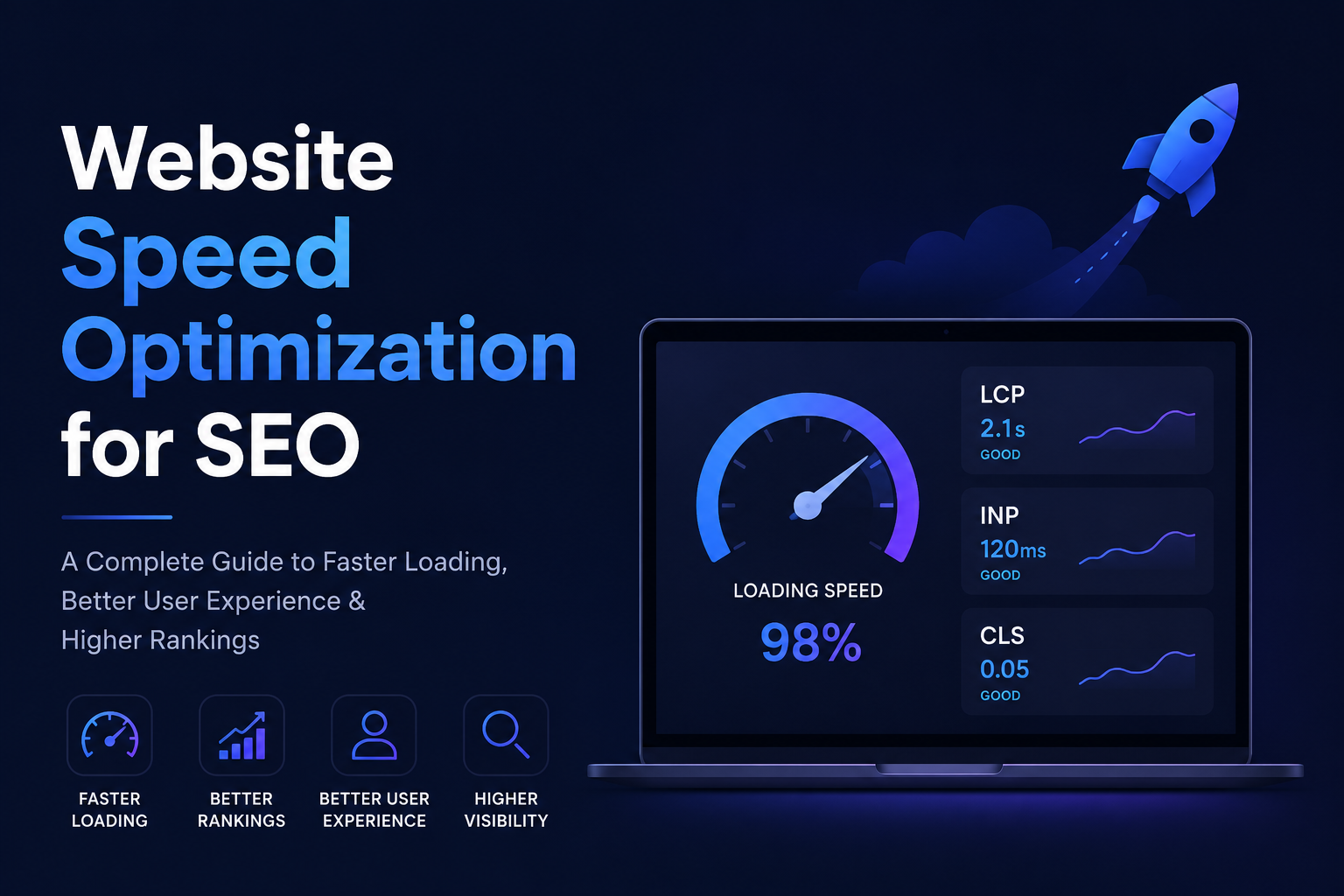
Core Web Vitals are a set of metrics that measure real-world user experience. They are a major part of website speed optimization for SEO.
| Metric | What It Measures | Good Score |
|---|---|---|
| LCP (Largest Contentful Paint) | Time taken for the main content to load | Under 2.5 seconds |
| INP (Interaction to Next Paint) | How quickly the page responds to clicks or taps | Under 200 milliseconds |
| CLS (Cumulative Layout Shift) | How much the page layout shifts while loading | Under 0.1 |
If your scores fall outside these ranges, your visitors are likely experiencing delays, jumpy layouts, or slow responses — all of which can hurt rankings.
Website Speed Optimization Tips
Below are practical steps you can apply right away. Each one targets a specific cause of slow loading.
1. Compress and Optimize Images
Large images are one of the biggest reasons websites load slowly.
- Use modern formats like WebP instead of JPEG or PNG.
- Compress images before uploading using tools like TinyPNG or Squoosh.
- Resize images to the actual display size instead of uploading oversized files.
- Use lazy loading so images load only when the user scrolls to them.
2. Enable Browser Caching
Caching allows returning visitors to load your site faster because their browser stores certain files.
- Set cache expiry dates for images, CSS, and JavaScript files.
- Use caching plugins if you are on WordPress.
- Ask your hosting provider to enable server-side caching.
3. Minify CSS, JavaScript, and HTML
Minifying means removing unnecessary spaces, comments, and characters from your code without changing how it works.
- Use tools like UglifyJS or CSSNano.
- Combine multiple CSS or JS files into fewer files where possible.
- Remove unused code and plugins that add extra files.
4. Use a Content Delivery Network (CDN)
A CDN stores copies of your website on servers around the world, so visitors load your site from a server near them.
- Popular CDNs include Cloudflare, BunnyCDN, and Amazon CloudFront.
- A CDN reduces load time significantly for international visitors.
5. Choose Fast and Reliable Hosting
Even with perfect optimization, slow hosting will hold your site back.
- Avoid cheap shared hosting if your site gets steady traffic.
- Consider VPS or managed hosting for better performance.
- Check your server response time using PageSpeed Insights.
6. Reduce Redirects
Every redirect adds extra time before the browser reaches the final page.
- Remove unnecessary 301 redirects.
- Fix broken links instead of redirecting them multiple times.
7. Optimize Fonts
Web fonts can slow down rendering if not handled correctly.
- Limit the number of font weights and styles you use.
- Use
font-display: swapso text appears while fonts load. - Host fonts locally instead of pulling from external servers when possible.
8. Clean Up Plugins and Scripts
If you use a CMS like WordPress, too many plugins can quietly slow your site.
- Remove plugins you no longer use.
- Avoid plugins that load heavy scripts on every page.
- Test site speed before and after adding a new plugin.
Common Mistakes That Slow Down Websites
| Mistake | Effect on Speed |
|---|---|
| Uploading full-size images | Increases page weight significantly |
| Too many plugins or widgets | Adds extra scripts and requests |
| No caching enabled | Forces full reload on every visit |
| Using outdated hosting plans | Slows server response time |
| Unoptimized fonts and icons | Delays content rendering |
Avoiding these mistakes from the start can save you hours of optimization work later.
How Speed Optimization Supports Long-Term SEO
Website speed optimization for SEO is not a one-time task. As you add new content, images, and features, your site can slow down again. Make it a habit to:
- Test your site speed monthly.
- Review Core Web Vitals reports in Search Console.
- Re-optimize images and scripts after major content updates.
- Monitor hosting performance as traffic grows.
A consistently fast website builds trust with both users and search engines, leading to better rankings and steadier organic traffic over time.
FAQs
Q1: Does website speed directly affect SEO rankings?
Yes. Search engines use page experience signals, including Core Web Vitals, as part of their ranking systems. A faster site generally has an advantage over a slower one with similar content quality.
Q2: What is a good page load time for SEO?
Aim for your main content to load within 2.5 seconds (LCP) and keep total page load under 3 seconds where possible.
Q3: How often should I test my website speed?
Test at least once a month, and always after adding new plugins, images, or major design changes.
Q4: Can mobile speed affect desktop rankings too?
Yes. Most search engines now use mobile-first indexing, meaning your mobile site speed plays a major role in your overall SEO performance, including desktop results.
Q5: Do I need technical skills to improve site speed?
Many improvements, like image compression and caching plugins, can be done without coding knowledge. However, advanced fixes like code minification or server configuration may need a developer’s help.
Conclusion
Website speed optimization for SEO directly impacts how users experience your site and how search engines rank it. By compressing images, enabling caching, using a CDN, choosing reliable hosting, and regularly monitoring your Core Web Vitals, you can build a website that loads quickly and performs well in search results.
Start with the easiest fixes first — image compression and caching — then move on to more technical improvements like minification and server upgrades. Small, consistent changes add up to a noticeably faster website and better long-term SEO results.