

Introduction
If your website feels sluggish, your rankings are probably paying the price. Google now treats page experience as a genuine ranking signal, and the three metrics at the center of it — Largest Contentful Paint, Interaction to Next Paint, and Cumulative Layout Shift — determine whether your site feels fast, stable, and trustworthy to real visitors. That’s exactly what this Core Web Vitals Optimization Guide is built to help you fix.
Whether you run an e-commerce store, a SaaS landing page, or a content-heavy blog, slow-loading pages and janky layouts quietly bleed traffic, conversions, and search visibility. This guide walks through what Core Web Vitals actually measure, why they matter for Website Speed Optimization for SEO, and the exact steps to bring every metric into Google’s “Good” zone.
What Are Core Web Vitals?
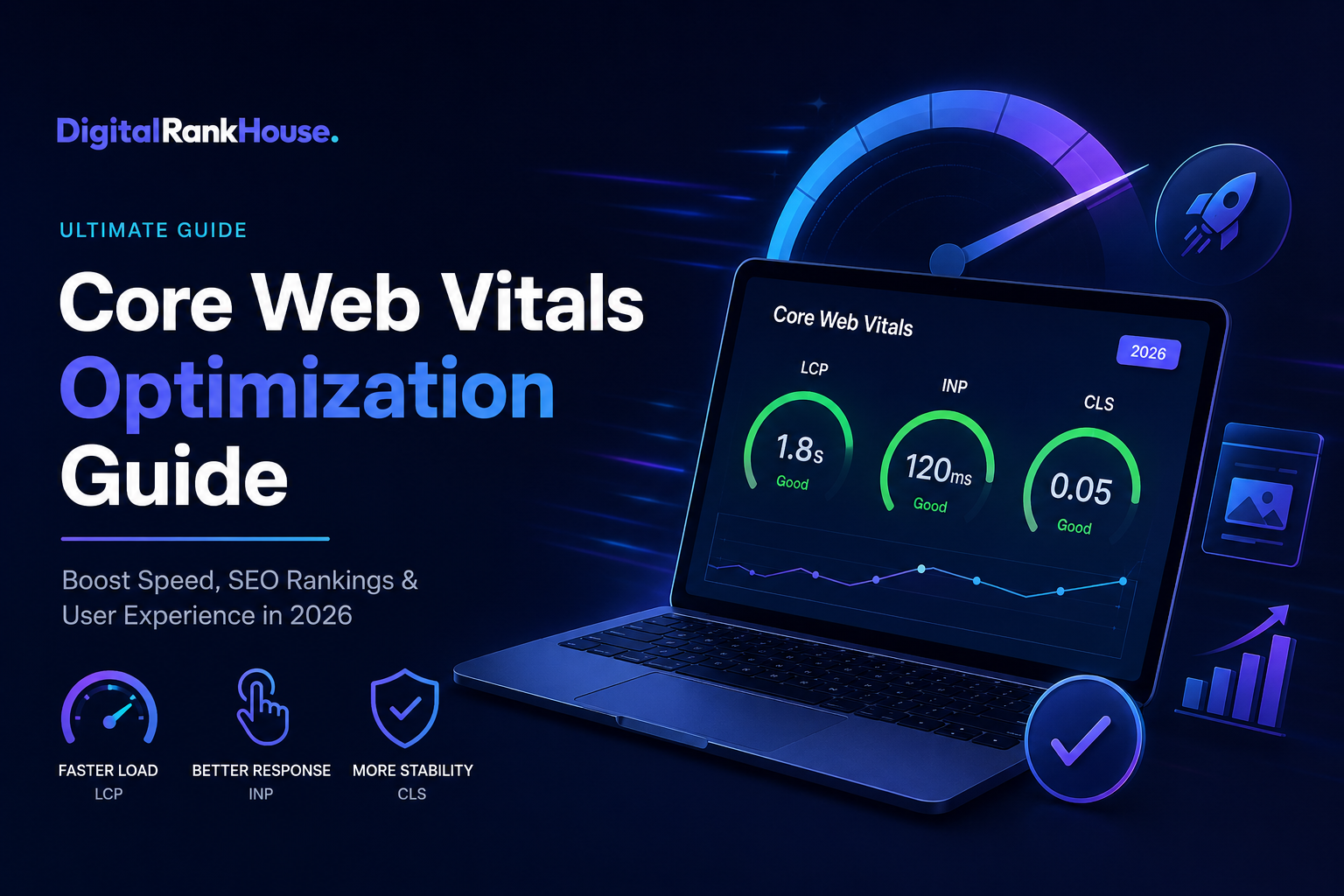
Core Web Vitals are a set of three field metrics Google uses to measure real-world user experience: how fast a page loads, how quickly it responds to interaction, and how visually stable it stays as it renders. They’re part of Google’s broader Page Experience framework, and they’re measured using anonymized data collected from actual Chrome users — not just lab simulations.
The Three Core Metrics
- Largest Contentful Paint (LCP) — measures loading performance by tracking when the largest visible element (usually a hero image or heading) finishes rendering.
- Interaction to Next Paint (INP) — measures responsiveness by tracking how long the browser takes to visually respond to a user’s click, tap, or keypress, across the entire page visit.
- Cumulative Layout Shift (CLS) — measures visual stability by scoring how much content unexpectedly shifts around as the page loads.
INP replaced the older First Input Delay (FID) metric in March 2024, giving Google a fuller picture of responsiveness throughout an entire session rather than just the first click.
Core Web Vitals Thresholds at a Glance
| Metric | Good | Needs Improvement | Poor |
|---|---|---|---|
| LCP (Loading) | Under 2.5s | 2.5s – 4.0s | Over 4.0s |
| INP (Responsiveness) | Under 200ms | 200ms – 500ms | Over 500ms |
| CLS (Visual Stability) | Under 0.1 | 0.1 – 0.25 | Over 0.25 |
Google evaluates these thresholds at the 75th percentile of real visitor data, meaning at least 75% of your page visits need to land in the “Good” range for that page to pass overall.
Why Core Web Vitals Matter for SEO
Core Web Vitals aren’t a standalone ranking factor that overrides great content — but they act as a meaningful tiebreaker. When two pages offer similar relevance and authority, the one with better performance tends to win the position, especially on mobile search results where competition is fierce.
The Bigger Picture: Website Speed Optimization for SEO
This is where Website Speed Optimization for SEO becomes essential context. Core Web Vitals are really a formalized way of measuring what site speed optimization has always been about: keeping visitors engaged instead of losing them to a blank screen or an unresponsive button. A faster, more stable site doesn’t just please Google’s algorithm — it directly improves bounce rate, session duration, and conversions.
Statistics and Research Insights
- Google’s own research shows that even a 0.1-second improvement in load speed can lift conversion rates for retail sites.
- Industry benchmarking shows pages loading in under two seconds see dramatically lower bounce rates than pages that take five seconds or more.
- Sites that pass all three Core Web Vitals thresholds consistently report lower bounce rates and stronger engagement compared to sites that fail even one metric.
- Documented case studies from major platforms have linked LCP improvements to double-digit increases in organic traffic and session duration, and CLS improvements to measurable revenue gains.
The pattern is consistent across industries: performance improvements translate into business outcomes, not just better Lighthouse scores.
How to Measure Core Web Vitals
Before optimizing anything, you need reliable data. Google offers several free tools, each suited to a different stage of diagnosis.
- Google Search Console — shows field data across your whole site, grouped by URL and device type, using the same data Google uses for ranking.
- PageSpeed Insights — combines real-user field data (from the Chrome UX Report) with lab data (from Lighthouse) for a single URL.
- Chrome DevTools / Lighthouse — ideal for developers diagnosing specific render-blocking resources or long JavaScript tasks in a controlled environment.
- Chrome UX Report (CrUX) — the raw dataset of real Chrome user experience that powers Search Console and PageSpeed Insights.
Field Data vs. Lab Data
Field data reflects what real visitors on real devices and networks actually experienced — this is what affects your rankings. Lab data is a simulated test run in a controlled environment, useful for debugging but not something Google uses to score your site. Always prioritize field data when deciding what to fix first, and use lab tools to figure out why it’s happening.
Core Web Vitals Optimization Guide: Step-by-Step Fixes
This is the core of any practical Core Web Vitals Optimization Guide — the actual fixes. Each metric has distinct root causes, so tackle them separately.
Largest Contentful Paint (LCP)
- Compress and serve images in modern formats like WebP or AVIF.
- Add
fetchpriority="high"to your hero image and avoid lazy-loading it. - Reduce server response time (TTFB) with caching and a CDN.
- Preload critical resources like fonts and the LCP image.
- Eliminate render-blocking CSS and JavaScript above the fold.
Interaction to Next Paint (INP)
- Break up long JavaScript tasks — anything running over 50ms blocks the main thread.
- Defer or lazy-load non-critical third-party scripts (chat widgets, ad tags, analytics).
- Minimize DOM complexity and unnecessary re-renders.
- Use the Chrome DevTools Performance panel to identify exactly which script is causing delay.
Cumulative Layout Shift (CLS)
- Set explicit width and height attributes on every image, video, and embed.
- Reserve space for ads and dynamic content before it loads.
- Use
font-display: swapto prevent invisible text flashes from shifting layout. - Avoid injecting content (like cookie banners) above existing content after load.
If you’d rather have a specialist handle the technical implementation, our technical SEO audit services walk through exactly this process on your live site, prioritized by business impact.
Common Mistakes That Hurt Core Web Vitals
- Using bloated page builder themes with excessive unused CSS/JS.
- Uploading full-resolution images without compression.
- Stacking too many third-party plugins and tracking scripts.
- Choosing budget hosting that can’t keep TTFB low under real traffic.
- Testing only on desktop and ignoring mobile field data, where most failures actually occur.
Example case: An e-commerce site struggling with a 4-second-plus LCP switched to modern image formats, added a CDN, and preloaded its hero banner. The result was an LCP drop into the “Good” range within a few weeks of the CrUX rolling average updating — alongside a noticeable lift in organic sessions and lower bounce rate on product pages. This kind of outcome is common once the highest-impact fixes are addressed first, rather than trying to fix everything at once.
Benefits and Challenges of Core Web Vitals Optimization
Benefits
- Improved organic rankings, particularly on competitive mobile SERPs.
- Lower bounce rates and longer session durations.
- Higher conversion rates, especially for e-commerce and lead-gen sites.
- Better overall user trust and brand perception.
Challenges
- INP fixes often require deep JavaScript architecture changes, not quick patches.
- Improvements take time to reflect in Search Console, since CrUX uses a rolling data window.
- Balancing rich functionality (ads, widgets, animations) against performance requires ongoing tradeoffs.
- Continuous monitoring is needed, since new plugins, scripts, or content can silently regress your scores.
Future Trends in Core Web Vitals & Website Speed Optimization for SEO
Performance monitoring is increasingly shifting toward automated, AI-assisted auditing tools that flag regressions in real time rather than waiting for a manual audit. Google also continues to refine its page experience signals beyond the original three metrics, signaling that visual stability and responsiveness will only become more central to how search results are ranked.
For site owners, the takeaway is the same one that’s held since Core Web Vitals launched: Website Speed Optimization for SEO is not a one-time project. It’s an ongoing discipline that needs to be baked into how you build, update, and maintain your website. Explore more on our SEO resources and blog hub for the latest updates as Google’s standards evolve.
Conclusion
Core Web Vitals aren’t just a technical checkbox — they’re a direct reflection of how real visitors experience your site, and increasingly, how Google decides who deserves to rank. By systematically improving LCP, INP, and CLS using field data, prioritizing the highest-impact fixes, and monitoring performance continuously, you put your site in a stronger position both for search rankings and for the visitors you’re trying to convert.
If your site’s Core Web Vitals need work, our team at Digital Rank House can run a full performance audit and implement the fixes for you. Get in touch for a free site speed audit and start turning page speed into a competitive advantage.