

If you’ve ever published a blog post and wondered why it isn’t ranking on Google, the answer often comes down to one thing — on-page SEO. Getting it right doesn’t require being a tech expert. You just need a clear process to follow every time you publish.
This guide gives you a practical, step-by-step checklist you can use before hitting “Publish” on any page or blog post.
What Is On-Page SEO?
On-page SEO refers to all the optimizations you make directly on your web page to help search engines understand your content — and to help readers find what they’re looking for.
Unlike off-page SEO (like link building), you have full control over on-page elements. That makes it the best place to start.
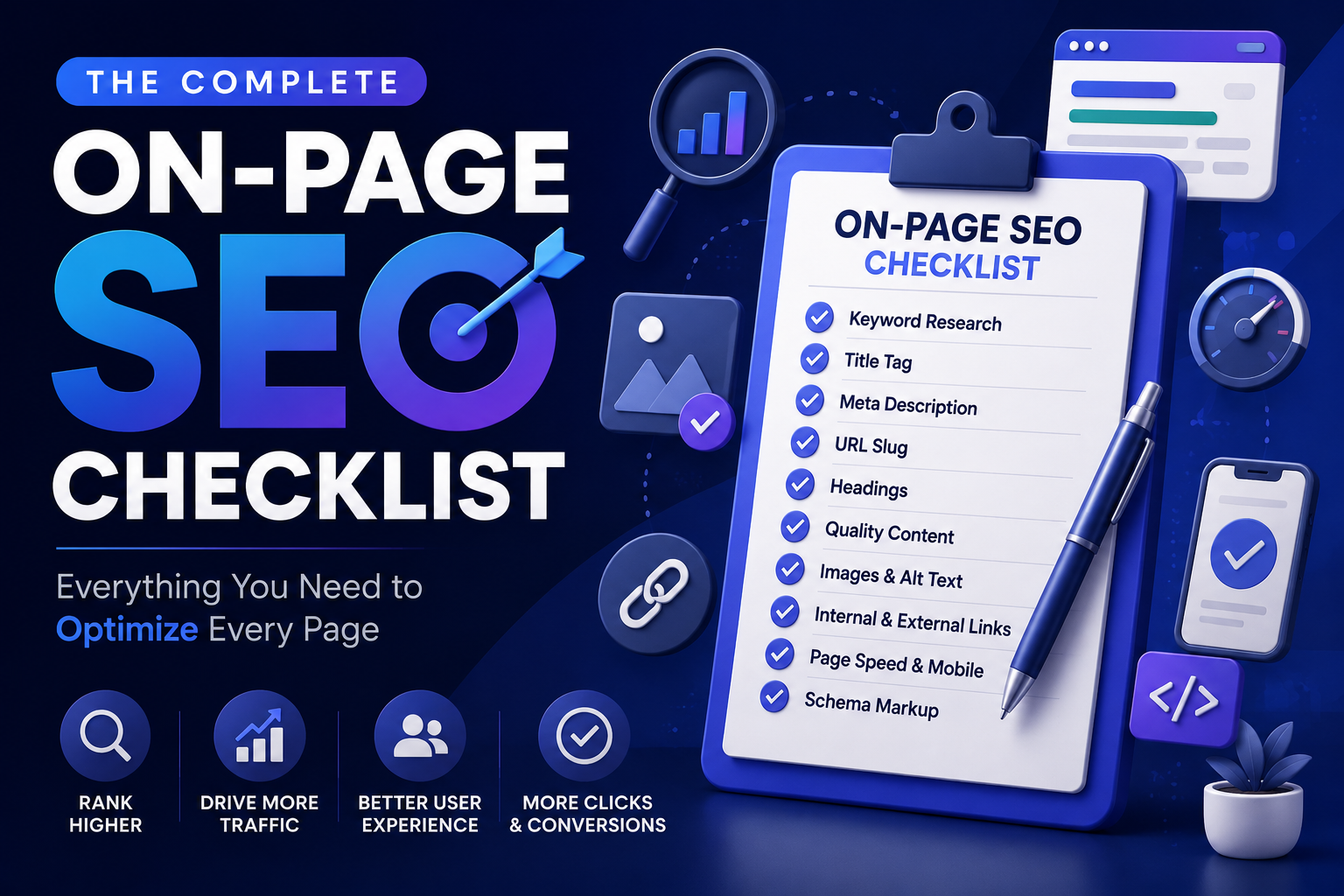
The Complete On-Page SEO Checklist
1. Start With Keyword Research
Before writing a single word, know what your target keyword is. Your primary keyword is the main phrase people search to find content like yours.
- Pick one primary keyword per page
- Add 3–5 supporting (secondary) keywords naturally
- Avoid targeting the same keyword on multiple pages — this causes keyword cannibalization, where your own pages compete against each other
2. Optimize Your Title Tag
Your title tag is the blue clickable headline on Google search results. It’s one of the most important on-page signals.
Best practices:
- Keep it between 50–60 characters
- Include your primary keyword near the beginning
- Make it compelling — it needs to earn the click
- Avoid duplicate title tags across your site
3. Write a Strong Meta Description
The meta description appears below your title tag in search results. It doesn’t directly impact rankings, but it greatly affects click-through rate (CTR).
- Aim for 150–160 characters
- Summarize what the reader will get
- Include your keyword naturally
- Add a subtle call to action (“Learn how…”, “Find out…”)
4. Use a Clean, Keyword-Rich URL Slug
Your URL slug is everything after your domain name. Keep it short and descriptive.
| Good URL Slug | Bad URL Slug |
|---|---|
/on-page-seo-checklist | /post?id=3847&cat=12 |
/best-running-shoes | /blog/2024/03/15/article-title-here |
/how-to-bake-bread | /untitled-draft-final-v2 |
- Use hyphens, not underscores
- Include your primary keyword
- Remove unnecessary words (a, the, and)
5. Structure Your Headings Properly
Headings (H1, H2, H3) help both readers and search engines understand your content structure. Think of them like a book’s table of contents.
- Use one H1 tag — this is your page title
- Use H2 tags for main sections
- Use H3 tags for sub-points within sections
- Include keywords in headings naturally — don’t force them
6. Optimize Your Content
This is the heart of on-page SEO. Great content that satisfies search intent will always outperform thin, keyword-stuffed pages.
Content checklist:
- Cover the topic thoroughly — answer the reader’s full question
- Use your primary keyword in the first 100 words
- Sprinkle secondary keywords naturally throughout
- Write in short paragraphs (2–3 sentences max)
- Use bullet points and numbered lists for scannability
- Aim for a reading level that matches your audience
Avoid keyword stuffing. If your keyword feels forced or awkward, it probably is. Write for humans first, search engines second.
7. Add and Optimize Images
Images make content more engaging — but they also need SEO attention.
- Compress images to reduce page load time (use tools like TinyPNG)
- Use descriptive file names (
on-page-seo-checklist.jpg, notimage001.jpg) - Write an alt text for every image — describe what’s in it and include a keyword where it fits naturally
- Use modern formats like WebP when possible
8. Improve Internal Linking
Internal links connect your pages to each other, helping both users navigate and search engines crawl your site.
- Link to 2–5 relevant pages from each new post
- Use descriptive anchor text (avoid “click here”)
- Make sure your most important pages receive the most internal links
9. Add External (Outbound) Links
Linking to high-authority, credible sources builds trust with your readers — and signals to Google that your content is well-researched.
- Link to reputable sources (studies, official websites, well-known publications)
- Open external links in a new tab
- Don’t link to competitors unless absolutely necessary
10. Check Page Speed and Mobile Friendliness
Google uses Core Web Vitals as a ranking signal. A slow or broken mobile experience will hurt your rankings.
| Factor | What to Check |
|---|---|
| Page Speed | Use Google PageSpeed Insights |
| Mobile View | Use Google’s Mobile-Friendly Test |
| LCP (Largest Contentful Paint) | Should load in under 2.5 seconds |
| CLS (Cumulative Layout Shift) | Page shouldn’t jump around while loading |
11. Add Schema Markup (Optional but Powerful)
Schema markup is code that helps Google display rich results — like star ratings, FAQs, or recipes — in search results.
- Use FAQ schema for pages with Q&A sections
- Use Article schema for blog posts
- Tools like Rank Math or Yoast SEO can add schema automatically
Quick Reference: On-Page SEO Checklist Table
| Element | What to Do |
|---|---|
| Title Tag | Include keyword, under 60 characters |
| Meta Description | Compelling summary, 150–160 characters |
| URL Slug | Short, keyword-rich, use hyphens |
| H1 Tag | One per page, includes primary keyword |
| H2/H3 Tags | Organize content, use naturally |
| Content | In-depth, readable, no keyword stuffing |
| Images | Compressed, descriptive alt text |
| Internal Links | 2–5 per post, descriptive anchor text |
| External Links | Link to authoritative sources |
| Page Speed | Fast load time, mobile-friendly |
| Schema Markup | Add where relevant |
Frequently Asked Questions (FAQs)
Q: How many keywords should I use on one page?
Focus on one primary keyword and 3–5 secondary keywords. The exact number of times you use them matters less than using them naturally.
Q: What is keyword cannibalization?
It’s when two or more pages on your site target the same keyword and compete with each other in search results. Fix it by consolidating similar pages or differentiating their focus keywords.
Q: Does meta description affect rankings?
Not directly. But a well-written meta description improves click-through rate, which can indirectly signal relevance to Google.
Q: How often should I update existing pages for SEO?
Review and update your top pages every 6–12 months to keep content fresh and accurate.
Q: Is on-page SEO enough to rank on Google?
On-page SEO is essential, but you’ll also need off-page signals (like backlinks) and technical SEO (like site structure and crawlability) for competitive keywords.
Conclusion
On-page SEO doesn’t have to be complicated. By following this checklist consistently — from your title tag to your internal links — you give every page the best possible chance to rank and attract the right readers.
Start with one page, go through each item on this list, and make it a habit before every publish. Over time, these small optimizations add up to real, measurable results.
Bookmark this checklist and come back to it every time you publish.