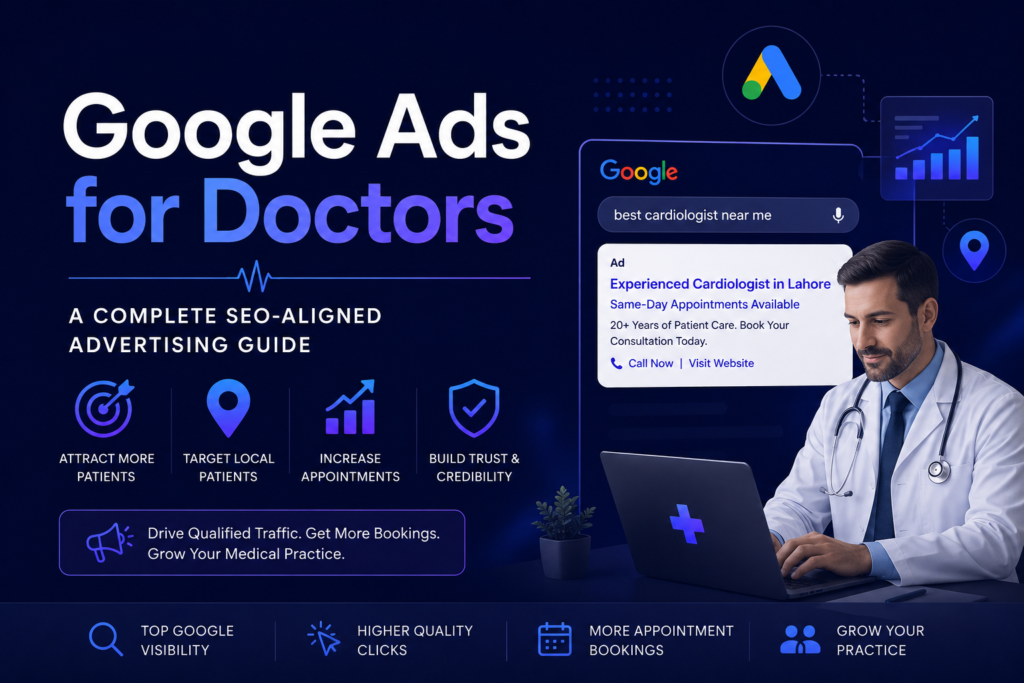

If you are a doctor or run a medical practice, getting new patients is one of your biggest challenges. You may have a great clinic, experienced staff, and excellent care — but if people cannot find you online, your chairs stay empty.
This guide explains how Google Ads can help doctors attract the right patients, and how to align your paid ads with your overall SEO strategy for the best results.
Why Online Visibility Matters for Medical Practices
Today, over 77% of patients search online before booking a doctor’s appointment. If your practice does not show up on Google, potential patients will find your competitor instead.
There are two main ways to appear on Google:
- SEO (Search Engine Optimization) — organic (free) rankings that take time to build
- Google Ads (PPC) — paid placements that appear immediately at the top of search results
Using both together gives you the strongest online presence.
What Are Google Ads for Doctors?
Google Ads is a paid advertising platform where you bid on keywords. When someone searches for a term like “best cardiologist near me” or “book a dermatologist in Islamabad,” your ad can appear at the very top of the results page.
You only pay when someone clicks on your ad — this is called Pay-Per-Click (PPC).
How It Works — Step by Step
- Create a Google Ads account at ads.google.com
- Choose your campaign goal (e.g., website visits, phone calls, appointment bookings)
- Select your target keywords related to your specialty
- Write your ad copy (headline + description)
- Set your budget — daily or monthly
- Define your target location — city, radius, or region
- Launch and monitor your campaign regularly
Choosing the Right Keywords for Your Medical Practice
Keyword selection is the heart of any successful Google Ads campaign. Here is how to think about it:
Types of Keywords to Target
- Service-based keywords — “knee pain specialist,” “dental implants doctor”
- Location-based keywords — “family doctor in Lahore,” “gynecologist near me”
- Condition-based keywords — “treatment for high blood pressure,” “diabetes management clinic”
- Appointment intent keywords — “book a doctor online,” “same-day appointment cardiologist”
Keywords to Avoid (Negative Keywords)
Add these as negative keywords so your ad does not show for irrelevant searches:
- “free medical advice”
- “home remedies for…”
- “medical school”
- “doctor salary”
How Google Ads and SEO Work Together
Many doctors treat Google Ads and SEO as separate strategies. They work much better together.
| Feature | Google Ads | SEO |
|---|---|---|
| Speed of results | Immediate | 3–6 months |
| Cost | Pay per click | Time/content investment |
| Visibility | Top of page (paid) | Organic rankings |
| Trust factor | Moderate | High |
| Long-term value | Stops when budget runs out | Builds over time |
| Best for | New practices, promotions | Established practices |
Pro tip: Use Google Ads data (which keywords convert best) to improve your SEO content strategy. If an ad keyword is bringing in lots of patient calls, write a blog post or service page around that same topic.
Writing Effective Ad Copy for a Medical Practice
Your ad has very limited space — make every word count.
A Good Medical Ad Includes:
- 1: Your main service — “Experienced Cardiologist in Lahore”
- 2: A key benefit — “Same-Day Appointments Available”
- 3: A trust signal — “20+ Years of Patient Care”
- Description: Clear call to action — “Book your consultation today. We accept all major insurance plans. Call now or visit our website.”
Do’s and Don’ts of Medical Ad Copy
Do:
- Use clear, simple language
- Include your location
- Add a strong call to action (Book Now, Call Today)
- Highlight what makes you different
Don’t:
- Make exaggerated medical claims
- Use technical jargon patients won’t understand
- Ignore Google’s healthcare advertising policies
Setting Up Your Budget the Smart Way
You do not need a huge budget to start. Here is a simple budget framework for doctors:
| Practice Size | Suggested Monthly Budget | Expected Clicks |
|---|---|---|
| Solo practitioner | $300 – $600 | 150 – 300 |
| Small clinic (2–5 doctors) | $600 – $1,500 | 300 – 750 |
| Multi-specialty hospital | $1,500 – $5,000+ | 750 – 2,500+ |
Start small, track your results for 30 days, then scale what works.
Landing Pages — Where Your Ad Takes the Patient
When someone clicks your Google Ad, they land on a landing page. This page needs to be optimized to convert visitors into booked appointments.
A High-Converting Medical Landing Page Should Have:
- A clear headline matching the ad
- Doctor’s name, photo, and credentials
- List of services offered
- Patient testimonials or reviews
- A simple appointment booking form or phone number
- Fast loading speed (under 3 seconds)
- Mobile-friendly design
Tracking and Measuring Results
Running ads without tracking is like driving with your eyes closed. Always set up:
- Google Ads Conversion Tracking — see which clicks lead to calls or form submissions
- Google Analytics — understand how visitors behave on your website
- Call tracking — know exactly which ads are generating phone calls
Key Metrics to Watch:
- CTR (Click-Through Rate) — are people clicking your ad?
- CPC (Cost Per Click) — how much are you paying per visitor?
- Conversion Rate — how many visitors booked an appointment?
- Cost Per Acquisition (CPA) — how much did it cost to get one new patient?
Common Mistakes Doctors Make with Google Ads
Avoid these costly errors:
- ❌ Not using negative keywords — wastes budget on irrelevant clicks
- ❌ Sending all traffic to the homepage — use a dedicated landing page instead
- ❌ Ignoring mobile users — over 60% of health searches happen on phones
- ❌ Not testing ad variations — always run at least 2 versions of your ad
- ❌ Setting it and forgetting it — ads need regular monitoring and adjustments
Frequently Asked Questions (FAQs)
Q1. Can any doctor run Google Ads?
Yes. Most medical specialties can advertise on Google. However, certain sensitive health categories require certification or have additional restrictions. Always review Google’s healthcare advertising policies before launching.
Q2. How soon will I see results from Google Ads?
Unlike SEO, Google Ads can start showing results within 24–48 hours of launching a campaign. However, it usually takes 2–4 weeks to gather enough data to optimize effectively.
Q3. Is Google Ads worth it for small clinics?
Absolutely. Even a small daily budget of $10–$20 can generate meaningful clicks if your keywords and targeting are done correctly.
Q4. Should I hire someone to manage my Google Ads?
If you are new to paid advertising, hiring a certified Google Ads specialist or a healthcare-focused digital marketing agency can save you time and money in the long run.
Q5. What is the difference between Google Ads and Google My Business?
Google My Business is a free listing that shows your clinic in local map results. Google Ads is a paid service that places you at the top of search results. Both are important and work well together.
Q6. Can Google Ads help me rank better in SEO?
Google Ads do not directly improve your organic SEO rankings. However, the keyword and performance data from your ads can guide your SEO content strategy.
Conclusion
Google Ads is one of the fastest and most effective ways for doctors to attract new patients online. When combined with a solid SEO strategy, it creates a powerful digital presence that works around the clock — even while you are seeing patients.
Start with a clear goal, choose the right keywords, write honest and compelling ad copy, and always track your results. Whether you are a solo GP or a multi-specialty clinic, Google Ads can deliver real, measurable growth for your practice.
The best time to start was yesterday. The second best time is today.
Need help building your medical practice’s online presence? Start with a well-structured Google Ads campaign paired with consistent SEO — and watch your appointment book fill up.