

Introduction
Every second your website takes to load is a second closer to losing a visitor — and a ranking position. Website Speed Optimization for SEO has moved from a “nice to have” to a non-negotiable part of any serious search strategy. Google now factors page experience directly into how it ranks websites, which means slow-loading pages don’t just frustrate users — they actively hurt visibility.
This Core Web Vitals Optimization Guide breaks down exactly what Google measures, why it matters, and how you can fix the technical issues slowing your site down. Whether you run an e-commerce store, a SaaS platform, or a content-driven blog, the principles here apply directly to your rankings, user experience, and bottom line.
What Is Website Speed Optimization for SEO?
Website Speed Optimization for SEO refers to the process of improving how quickly a webpage loads and becomes usable, specifically to satisfy both search engine algorithms and real user expectations. Google’s ranking systems reward pages that load fast, respond quickly to interaction, and remain visually stable while loading.
Speed isn’t just a technical checkbox — it’s tied directly to how Google evaluates page experience signals as part of its broader ranking framework.
How Speed Impacts Bounce Rate and Conversions
Research from Google has repeatedly shown that as page load time increases from 1 to 5 seconds, the probability of a visitor bouncing increases dramatically. A slow site doesn’t just lose rankings — it loses revenue:
- Higher bounce rates on pages that take longer than 3 seconds to load
- Lower conversion rates on mobile devices with slow Time to First Byte (TTFB)
- Reduced crawl efficiency, as slow servers limit how much of a site Googlebot can crawl per visit
Understanding Core Web Vitals
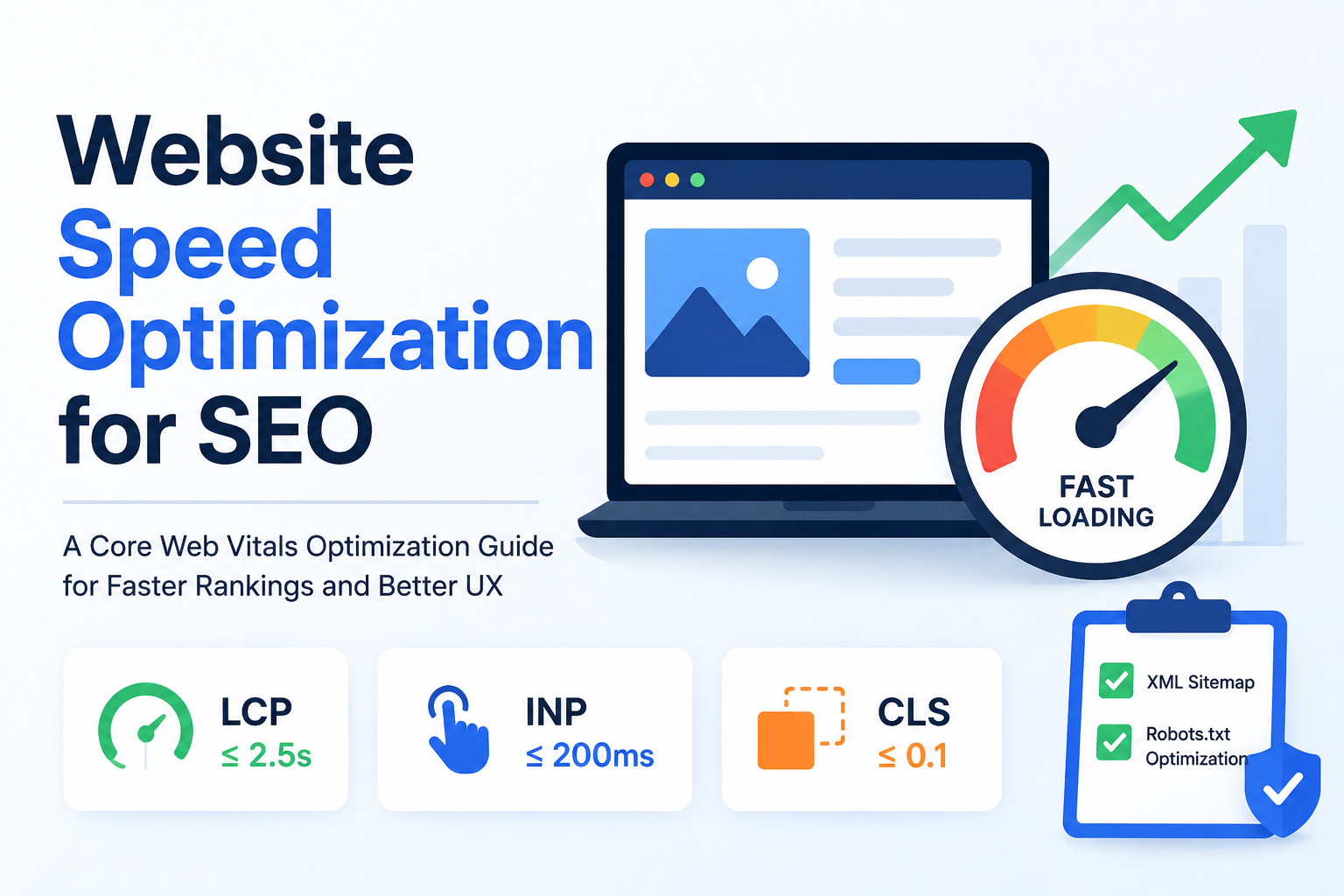
At the center of any Core Web Vitals Optimization Guide are three metrics Google uses to measure real-world page experience:
| Metric | What It Measures | Good | Needs Improvement | Poor |
|---|---|---|---|---|
| LCP (Largest Contentful Paint) | Loading performance — time until the largest visible element renders | ≤2.5s | 2.5–4s | >4s |
| INP (Interaction to Next Paint) | Responsiveness — how quickly the page reacts to user input | ≤200ms | 200–500ms | >500ms |
| CLS (Cumulative Layout Shift) | Visual stability — how much content shifts unexpectedly while loading | ≤0.1 | 0.1–0.25 | >0.25 |
Note: INP officially replaced First Input Delay (FID) as a Core Web Vital in March 2024, placing greater emphasis on overall interaction responsiveness rather than just the first click.
How Google Measures Core Web Vitals
Google uses two types of data:
- Field data — real user metrics collected via the Chrome User Experience Report (CrUX), reflecting actual visitor experiences
- Lab data — simulated testing via tools like Lighthouse, useful for diagnosing issues before they affect real users
Tools like Google Search Console’s Core Web Vitals report and PageSpeed Insights combine both data sources to give a full picture of site performance.
Key Factors That Slow Down Websites
Before optimizing, it helps to understand what’s causing the slowdown in the first place. Common culprits include:
- Unoptimized or oversized images
- Render-blocking JavaScript and CSS
- Slow server response times (high TTFB)
- Lack of browser caching or CDN usage
- Bloated themes, plugins, or unnecessary third-party scripts
Common Mistakes Businesses Make
Many businesses invest heavily in content and design but overlook the technical foundation. Frequent mistakes include ignoring mobile performance entirely, stacking multiple tracking scripts without auditing their impact, and never testing page speed after redesigns or plugin updates.
Step-by-Step Website Speed Optimization Techniques
Effective Website Speed Optimization for SEO requires a systematic approach:
- Compress and modernize images — use WebP or AVIF formats and enable lazy loading for below-the-fold content
- Minify CSS and JavaScript — remove unused code and defer non-critical scripts
- Leverage browser caching and a CDN — serve static assets from servers closer to the user
- Reduce server response time — upgrade hosting, use efficient database queries, and enable server-side caching
- Optimize for mobile-first performance — since Google primarily uses mobile-first indexing
Tools to Test and Monitor Speed
- Google PageSpeed Insights — combines lab and field data with actionable recommendations
- GTmetrix — detailed waterfall analysis of load behavior
- Google Search Console — tracks Core Web Vitals performance across your entire site over time
XML Sitemap and Robots.txt Optimization
Speed improvements work best alongside strong technical SEO foundations, and XML Sitemap and Robots.txt Optimization plays a direct role here. A clean, well-structured XML sitemap helps search engines discover and crawl your important pages efficiently, while a properly configured robots.txt file prevents crawlers from wasting resources on low-value or duplicate pages.
Best practices include:
- Keeping your XML sitemap updated and free of broken or redirected URLs
- Excluding non-indexable pages (admin, filters, duplicate parameters) from the sitemap
- Using robots.txt to block crawl access to non-essential resources without accidentally blocking CSS/JS files needed for rendering
How Sitemap and Robots.txt Optimization Complements Core Web Vitals
When Googlebot spends less time crawling irrelevant pages, it can crawl and re-index your important, fast-loading pages more frequently — reinforcing the gains from your Core Web Vitals improvements rather than working against them.
If you haven’t audited your technical SEO setup recently, our Technical SEO Services team can help identify sitemap, crawl, and indexing issues alongside speed problems.
Case Studies and Real-World Impact
Industry Statistics and Research Insights
Data from the HTTP Archive’s Web Almanac consistently shows that sites passing all three Core Web Vitals thresholds see measurably better organic visibility than those that don’t. Google’s own research has found that mobile sites loading within 5 seconds earn significantly more ad revenue and session depth than slower counterparts.
Example: E-Commerce Performance Gains
An online retailer that reduced LCP from 4.8 seconds to 2.1 seconds — primarily through image optimization and CDN implementation — saw a noticeable increase in both organic click-through rate and checkout completion within weeks of deployment. This pattern repeats across industries: faster pages consistently correlate with stronger engagement metrics.
Benefits and Challenges of Website Speed Optimization
Benefits:
- Improved search rankings and organic visibility
- Lower bounce rates and higher session duration
- Better mobile user experience
- Higher conversion rates and revenue per visitor
Challenges:
- Legacy codebases that are difficult to refactor
- Third-party scripts (ads, analytics, chat widgets) outside direct control
- Limited technical resources or hosting infrastructure
- Balancing rich design/media with lean performance
Future Trends in Website Speed Optimization for SEO
Looking ahead, expect these developments to shape performance strategy:
- AI-driven performance monitoring that predicts speed issues before they impact users
- Edge computing and smarter CDNs reducing latency further
- Greater weight on INP as Google continues refining interactivity measurement
- Continued evolution of Core Web Vitals as Google incorporates more real-world UX signals
Staying current with these shifts is essential — what qualifies as “fast” today will likely be the baseline expectation tomorrow.
Conclusion
Website Speed Optimization for SEO isn’t a one-time fix — it’s an ongoing discipline that directly influences rankings, user trust, and revenue. By understanding and applying this Core Web Vitals Optimization Guide, alongside solid XML Sitemap and Robots.txt Optimization practices, you give your website the technical foundation it needs to compete in search results.
Ready to see where your site stands? Explore our SEO Audit services or check out our On-Page SEO Guide for the next step in your optimization journey.